 by Gen C
Your work.
Your world.
Open it up.
A considered home for your art, and the practical help to bring it into the world.
Upload, save and manage your works in Gen C.

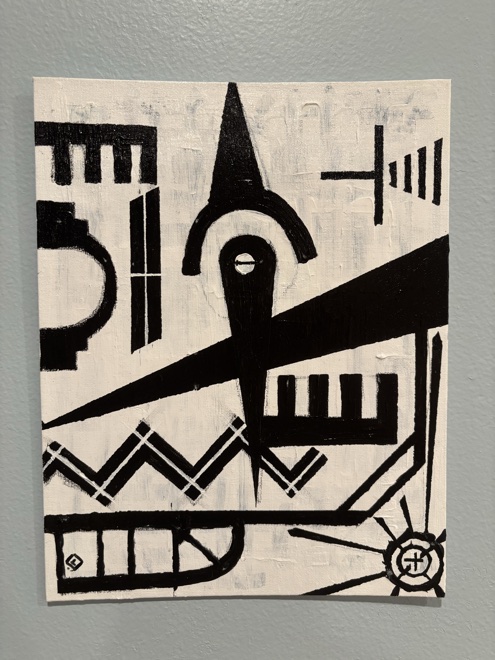
The David Berger Collection
Different practices.
A shared place for art.
Website & gallery setup
A home for
your collection.
A focused Gen C service for artists and collectors. A considered website, your approved works, and a clear way for people to inquire.
Scope and fee agreed before work begins. Review a preview before publication.
- 01
A collection with context
Organized artwork details, approved images and the stories you want to share.
- 02
A gallery of your own
A mobile-friendly website with individual work views and a clear inquiry path.
- 03
A considered launch
Review the design and content together. Agree publication, domain and ongoing care separately.
- 01
Choose a direction
One useful result is enough.
- 02
Make it your brief
Review your own words.
- 03
Continue in Gen C
Discuss the scope in your workspace.
What’s
next for you?
Choose your interests and describe one useful result. The rest can take shape together.
Scope, fees and permissions are agreed before work begins.
A few questions?Your brief
A starting point,
in your words.
Sign in to Gen C, choose “Keep request on this tab,” then review and save in your workspace.
What happens after I continue?
Saving starts a discussion. Scope, fees, permissions and acceptance are agreed separately. Files and feedback stay in your Gen C workspace.
Questions.
What can we build together?
An artist website or storefront, a digital gallery and catalog, originals/prints/edition preparation, promotion and distribution, or NFT release planning. Start with one useful result; we’ll shape the scope together.
Can I use my existing Gen C account?
Yes. Continue with the account you already use, choose the right workspace and review the brief before saving it. Your files and project history stay in Gen C.
Do I need every detail figured out?
No. Start with what you want to achieve. Artwork facts, permissions, formats, prices and fulfillment can be worked through as the project takes shape.
What does NFT planning include?
Planning the exact artwork, permissions, collection, editions and buyer rights. Wallet connections, minting, listings and payments are separate steps. Physical ownership, copyright or usage rights must be explicitly agreed; a brief does not authorize a mint.
Can I add ARTIFACT to my home screen?
Where supported, use your browser’s install option. On iPhone or iPad, open this page in Safari, tap Share, then Add to Home Screen. Your account and file uploads need a connection.
You can also bookmark this page.
Checking public-page availability…